
Project Overview
Full migration from SAP Enterprise Portal (NetWeaver) to SAP Build Work Zone as part of a broader cloud transformation.
The client had operated on SAP Enterprise Portal for years — a proven but aging on-premise portal technology. With the strategic shift towards SAP Business Technology Platform and the ongoing move from SAP ERP ECC to SAP RISE (S/4HANA), replacing the legacy portal with a modern cloud-native alternative became a natural and logical next step.
SAP Build Work Zone, standard edition, was selected as the new central launchpad — the single entry point for all business applications and role-based content for 7000+ users. The migration consolidated a fragmented application landscape into a unified, cloud-hosted digital workplace.
The result was a significantly improved user experience: a single, personalized, role-driven portal accessible from any device — eliminating the overhead and maintenance burden of the on-premise portal infrastructure.
Concepts
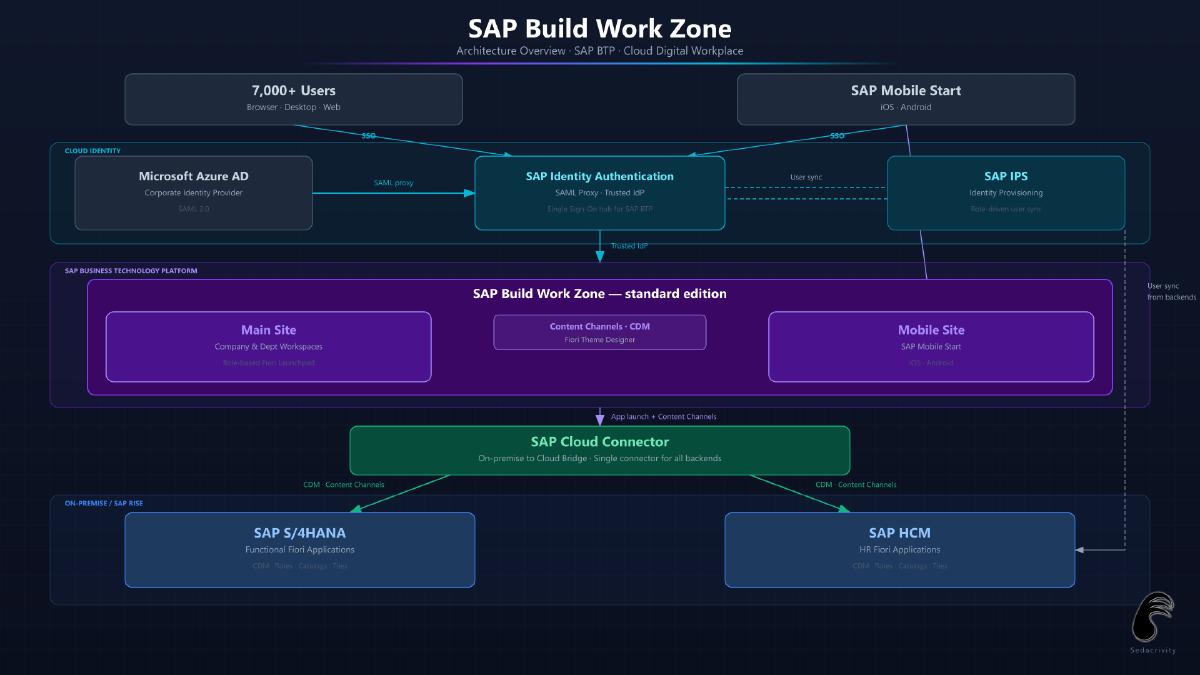
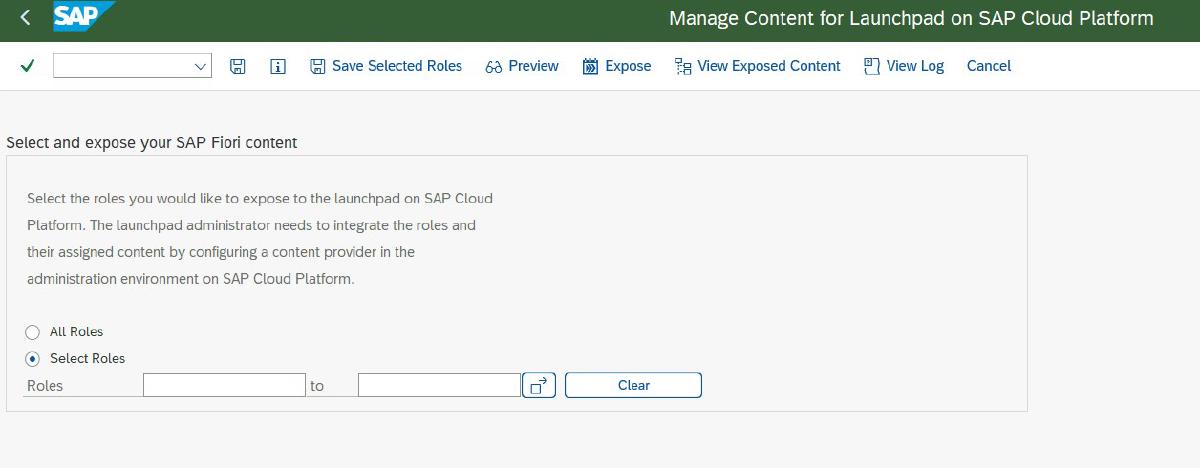
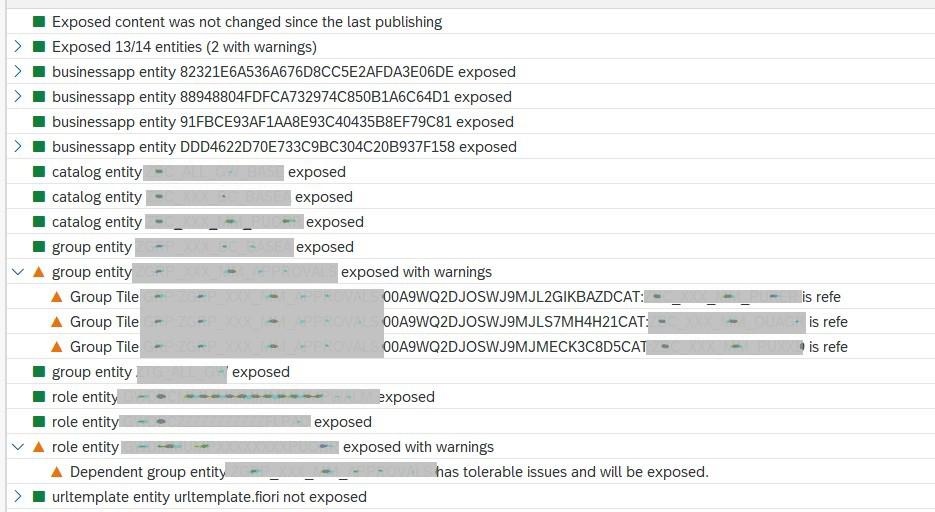
- Content channels & CDM: Backend systems (S/4HANA and SAP HCM) expose their Fiori roles, catalogs and app definitions via the Common Data Model (CDM) format. SAP Build Work Zone pulls these in through content channels, automatically presenting the correct tiles to each user based on their backend authorizations.
- Role-based access: Each user sees a tailored portal experience driven by their backend authorization roles — no manual tile assignment needed in the portal itself.
- Single Sign-On via Azure AD + SAP IAS: The corporate Azure Active Directory serves as the identity provider. SAP Identity Authentication Service (IAS) acts as a SAML proxy between Azure AD and SAP Build Work Zone, providing seamless SSO across the portal and all connected Fiori applications.
- Role-driven user provisioning: SAP Identity Provisioning Service (IPS) synchronises user accounts from the backend systems into IAS — but only for users who hold the relevant authorization roles for the central launchpad. This keeps the identity store lean and tightly aligned with actual business access.
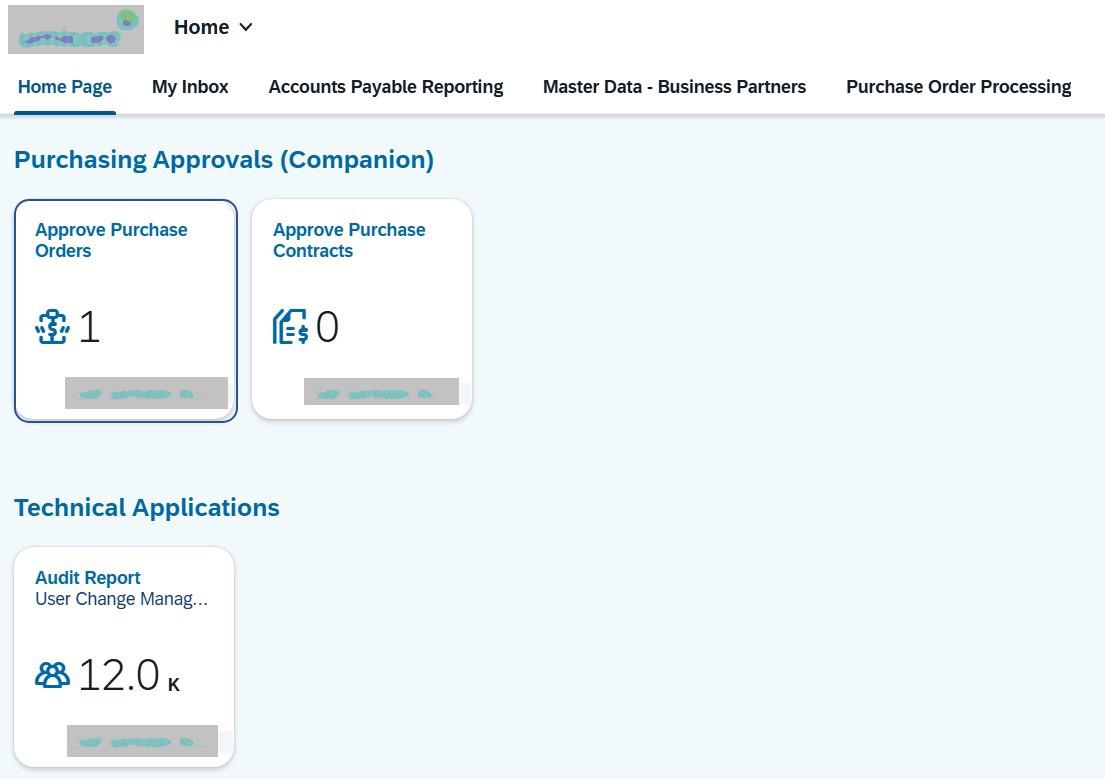
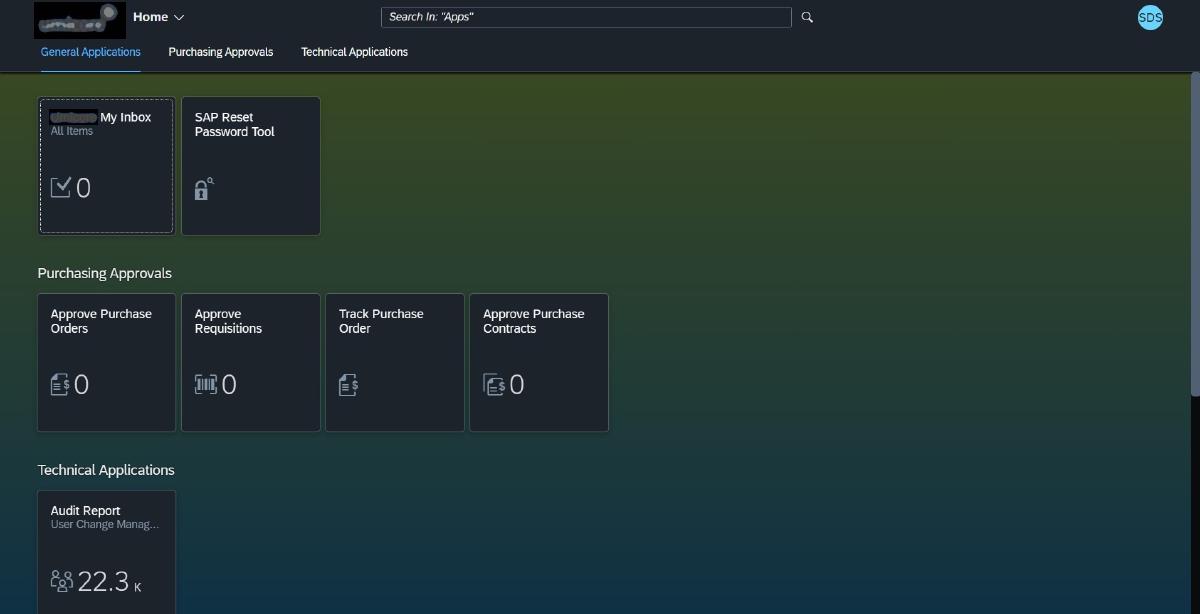
- Custom UI theming: Multiple company-specific Fiori themes were designed and deployed using the SAP Fiori Theme Designer service — including both light and dark variants — aligning the portal and all connected Fiori applications with the client’s corporate color palette and UI standards. Users can switch between themes according to their preference.
- Unified launchpad: All SAP Fiori applications from both backend systems accessible from a single entry point without separate logins.
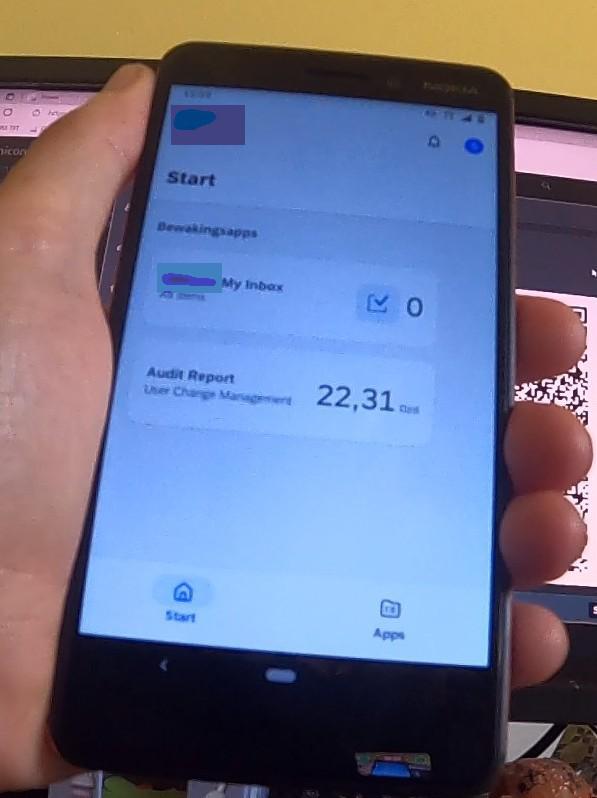
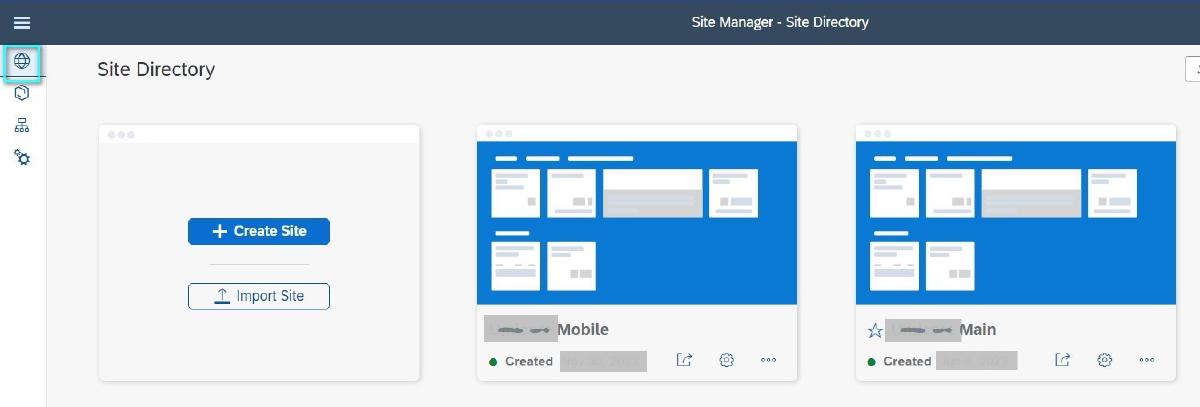
- Two-site architecture: Two separate BWZ sites are maintained — a main desktop site and a dedicated mobile site for SAP Mobile Start on iOS and Android — each configured independently while sharing the same backend content channels and role assignments.
Technologies Used
- SAP Build Work Zone, standard edition — cloud portal platform; sites management, content channel administration, workspace and role configuration
- SAP AI Joule — AI assistant enablement within the portal (recent, ongoing; SAP Ariba integration in scope)
- SAP Fiori Content Channels — mechanism for pulling Fiori app catalogs, roles and tiles from backend systems into the portal
- Common Data Model (CDM) — standard format used by backend systems to expose Fiori content to the launchpad
- SAP Fiori Launchpad — application launchpad integration and tile management within BWZ
- SAP S/4HANA — primary backend exposing functional Fiori applications via content channel
- SAP HCM — HR backend exposing HR-related Fiori applications via content channel
- SAP Fiori Theme Designer — custom UI theme creation aligned to corporate branding
- SAP Mobile Start — mobile access configuration
- SAP Cloud Connector — single connector handling all on-premise connectivity (S/4HANA + SAP HCM)
- Microsoft Azure Active Directory — corporate identity provider (IdP)
- SAP Identity Authentication Service (IAS) — SAML proxy between Azure AD and SAP BTP / BWZ
- SAP Identity Provisioning Service (IPS) — automated user sync from backend systems into IAS, role-driven
Used Tools
- SAP Fiori Theme Designer for custom corporate UI theme creation and deployment
- SAP Build Work Zone Administration (web application) for sites management, content channel administration, workspace and role configuration
- SAP BTP Cockpit for subaccount and destination management
- SAP Cloud Connector Admin for on-premise connectivity management
- SAP Mobile Start for mobile portal configuration and testing
Project Team
My Role(s)
- Lead Architect
- Cloud Setup
- Visual Designer
- Documentation
Members
- Cloud BWZ & IAS - Only me
- SAP Backends - Authorization Teams & Basis Administrators
Project Gallery
Images have been redacted for client confidentiality and data protection.
Technologies Used
All showcased content, designs, and solutions remain the intellectual property of the respective clients. For any copyright inquiries, please contact us.